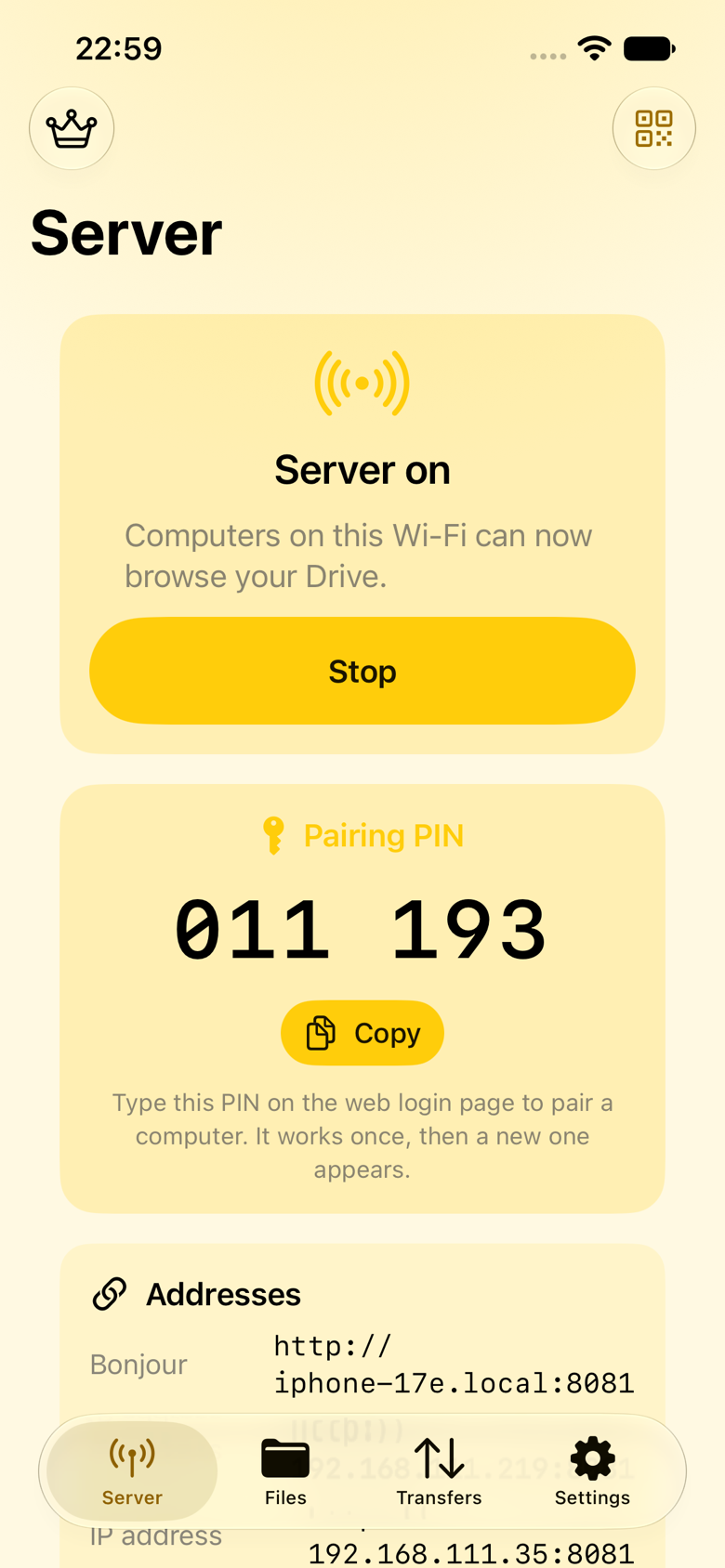
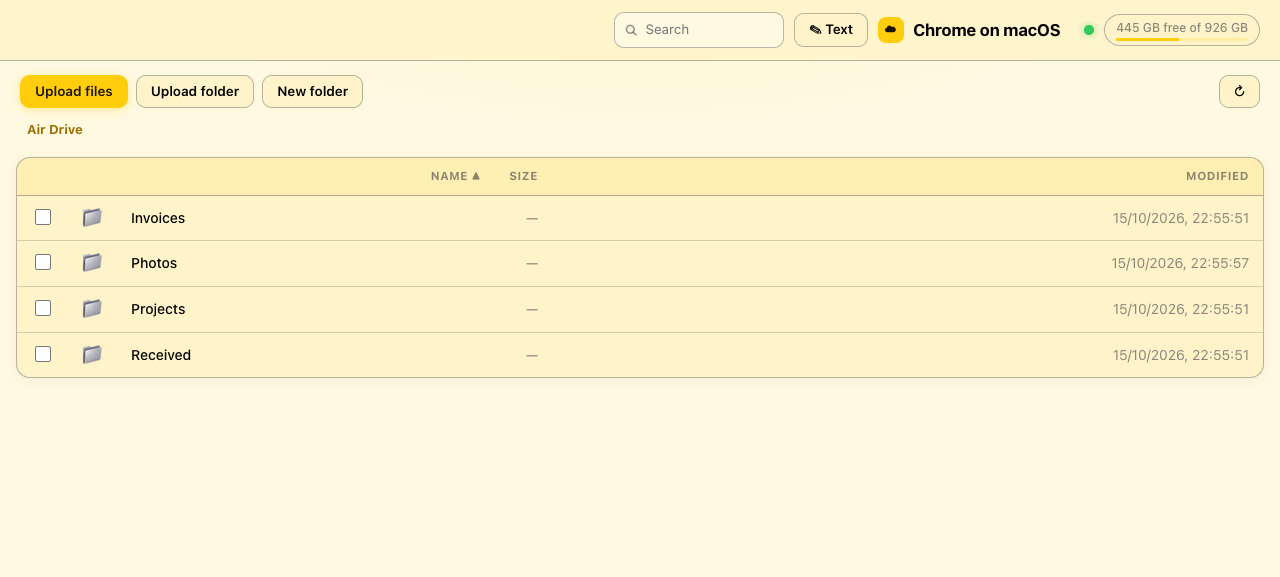
Air Drive turns your iPhone or iPad into a wireless drive that any computer on the same Wi-Fi can open in a browser — or mount like a disk. No accounts. No cloud. No cables.
The server address and a QR code appear on your phone. The server is off by default — nothing is reachable until you start it.
Scan the QR code or type the short address — like 192.168.1.20:8080 — into any browser on the same network.
Browse, upload whole folders, download anything as a ZIP. The whole transfer loop is free, with no file-size limit.
Free, no limits on size, no sign-up wall.
Safari, Chrome, Edge or Firefox on macOS, Windows and Linux — the browser is the client.
Upload entire folder trees from any browser; keep the structure intact on the phone.
A chunked upload engine picks up big transfers where they dropped — Wi-Fi blips don't start you over.
Download folders as ZIP64 archives that stream straight to disk — multi-gigabyte sets included.
Photos, video, PDFs and text preview in the browser, with a preview pane as you browse.
Deleted files wait in a Trash you control — restore or purge on your schedule.
The Drive appears in the iOS Files app and Finder over USB — it's a real document provider.
Widget, Control Center toggle, Siri shortcuts, Share extension and a Live Activity on the Dynamic Island.
One-time purchase. Everything below unlocks on every device with your Apple ID — and the ads go away.
WebDAV from macOS Finder, Windows Explorer or GNOME Files. Drag and drop between phone and computer like a USB stick.
AES-256 encrypted storage that opens with Face ID. The key never leaves the device — backups can't open it.
Share one folder read-only, or make an upload-only drop box. Expiring, with optional download limits.
Share photo albums over the web client read-only — no copying. HEIC converts to JPEG on the fly; Live Photo pairs stay together.
Encrypt the link on hostile networks and verify a certificate fingerprint you can read out loud.
Connect Air Drives to each other and push files device-to-device. Export the full transfer history as CSV.
The full transfer loop — browse, upload, download, folders included — is free. Pro is for mounting, encryption and fine-grained sharing.
| Capability | Free | Pro |
|---|---|---|
| Transferring | ||
| Browse, upload & download in a browser | ✓ | ✓ |
| Whole-folder uploads, resumable engine, ZIP downloads | ✓ | ✓ |
| Previews, sorting, Trash, Files app integration | ✓ | ✓ |
| Widget, Control Center, Siri, Share extension, Live Activity | ✓ | ✓ |
| Mount in Finder / Windows Explorer / GNOME (WebDAV) | — | ✓ |
| Protecting & sharing | ||
| Encrypted Vault — AES-256-GCM, Face ID, Keychain-held key | — | ✓ |
| Guest links, upload-only drop boxes, expiring access | — | ✓ |
| Photos bridge — share albums read-only | — | ✓ |
| HTTPS with a verifiable fingerprint | — | ✓ |
| Nearby — drive-to-drive transfers | — | ✓ |
| CSV export of the transfer & activity log | — | ✓ |
| Experience | ||
| Ads | Full-screen ad on launch & server start | None |
| MDM Managed App Configuration for fleets | ✓ | ✓ |
Air Drive was designed so that the default state is closed and every client earns its way in. The details are public — read them.
The server doesn't run until you start it, and stopping the app stops the exposure.
Security guide →New connections need your approval — or a PIN or password you set. Sessions expire.
Security guide →No cloud relay, no accounts, DNS-rebinding and CSRF defences built into the server.
Security guide →The Pro Vault's full container format — ADV1 — is documented and tested.
Security guide →Air Drive supports Apple's Managed App Configuration. Force an access mode, disable WebDAV or guest links, require HTTPS, cap upload sizes, keep an owner-proof audit log, push a company TLS certificate — all from your MDM.
Free on the App Store for iPhone and iPad, iOS 26 or newer. Pro is a one-time in-app purchase.